WARDOGS System Requirements — Minimum & Recommended PC Specs
Official WARDOGS system requirements: minimum and recommended PC specs for Steam Early Access, plus what they mean for your FPS in 100-player matches.
The official WARDOGS system requirements are on the heavier side for a shooter — 16 GB of RAM is required even at minimum — because every match simulates 100 players, vehicles and destructible battlefields at once. Below are the official specs from the Steam store page, cross-checked against community performance guides. Stated by developer · 2026-09-15
Minimum (1080p Low @ 60fps, Upscaled)
| Component | Minimum |
|---|---|
| OS | Windows 10 (64-bit) |
| CPU | Intel Core i5-8600 or AMD Ryzen 5 3500 |
| RAM | 16 GB |
| GPU | Nvidia GTX 1660 or Radeon RX 590 |
| Network | Broadband internet connection |
| Storage | 50 GB available space |
Recommended
| Component | Recommended |
|---|---|
| OS | Windows 11 (64-bit) |
| CPU | Intel Core i7-12700K or AMD Ryzen 7 5700X |
| RAM | 16 GB |
| GPU | Nvidia RTX 3070 or Radeon RX 6700 XT |
| Network | Broadband internet connection |
| Storage | 50 GB available space |
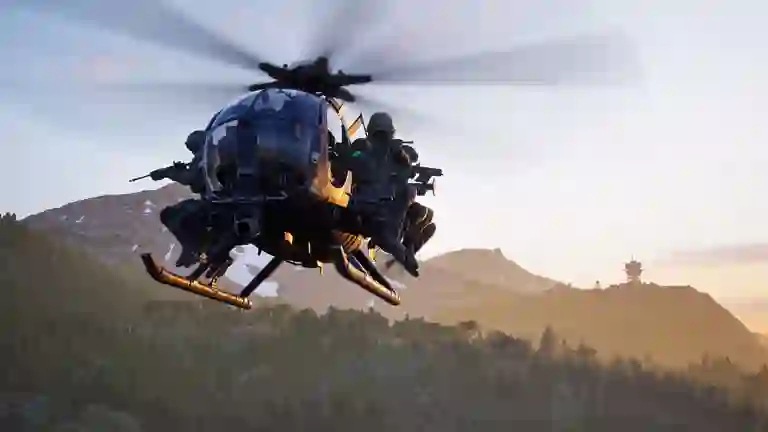
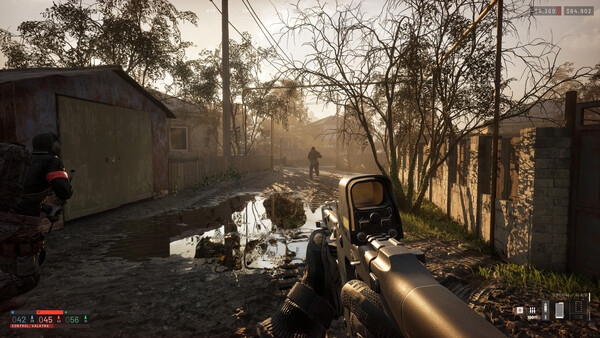
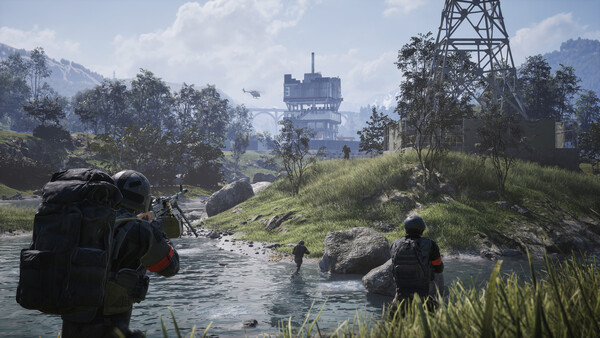
Official WARDOGS screenshot (Steam store). Stated by developer · 2026-09-15
What This Means in Practice
- The CPU matters more than usual. Community performance guides flag 100-player firefights as CPU-heavy: a GPU upgrade helps less than a modern 8+ core CPU in full matches. Community report · 2026-09-15
- Minimum spec = upscaled output. The official minimum targets 1080p Low at 60 fps with upscaling — native-resolution players should aim between minimum and recommended.
- Windows 10 works, Windows 11 is the documented recommendation.
- Only 6 cores class CPUs from 2018+ need apply at minimum — if you are under spec, expect stutters in the Hot Zone regardless of graphics settings; tune with best settings and upscaling.
After You Meet the Specs
Connection quality is a separate axis from hardware — check server status for incidents and error codes for fixes. Live population numbers are on the player count tracker, and once you are in a match, the controls table is the next stop.
In This Section
Everything in Getting Started: the beginner guide · system requirements · classes & roles · the loadout cost calculator.
All guide
Related pages