WARDOGS Best Settings — FPS, Visibility & Mouse Tuning (Early Access)
WARDOGS best PC settings for max FPS and visibility: display, graphics, upscaling and mouse recommendations — plus the helicopter sensitivity starting point, patch-dated.
The WARDOGS best settings split into two goals: frames (this is a 100-player match — CPU spikes are real) and visibility (finding the one pixel that is shooting you). The recommendations below are cross-checked across two Early Access settings guides — a high-end rig and a 3060 Ti budget build — and where the two disagree, we show both with the reasoning. Re-check after each patch: settings menus changed between beta and launch. Community report · 2026-09-15
Quick answer: start with Windowed Fullscreen, native resolution, VSync off, Nvidia Reflex on and FOV 95–110; on a budget card add upscaling (FSR/DLSS quality mode). The exact values for every menu — and the helicopter sensitivity starting point — are in the tables below.
Display
| Setting | Recommended | Why |
|---|---|---|
| Display Mode | Windowed Fullscreen | both guides agree; exclusive fullscreen adds little here |
| Resolution | Native (1080p fine) | 1440p+ only with GPU headroom |
| Field of View | 95–110 | split verdict: 95 for long-sightline balance, 110 for maximum awareness — both work |
| VSync | Off | both guides; use G-Sync/FreeSync for tearing instead |
| Nvidia Reflex | On (no Boost) | better input latency; Boost costs frames for nothing |
| Main menu FPS cap | 60 | saves power while browsing menus |
Graphics
| Setting | Recommended | Why |
|---|---|---|
| Shadows | Low | big FPS lever; enemies still cast visible shadows |
| Global Illumination | Off/Low | rough on performance, little gameplay value |
| View Distance | High if it holds / Low on budget GPUs | the sharpest guide disagreement: long sight lines vs helicopter frame drops |
| Effects & Particles | Medium→Low | explosions tank frames when maxed |
| Post-Processing | Low (or Medium on low overall settings) | one budget guide raises it to carry image quality |
| Anti-Aliasing | DLAA if strong; else DLSS/FSR Balance–Quality | avoid Performance tiers — image degrades badly |
| Textures | High with VRAM; stream on Medium for 8 GB cards | filtering can stay High — cheap clarity |
| Vegetation | Low→Medium | trade-off: foliage can hide players |
| Motion blur / DOF / Bloom | Off | pure visibility wins |
| PIP scope render | Off | renders the scene twice — massive cost |
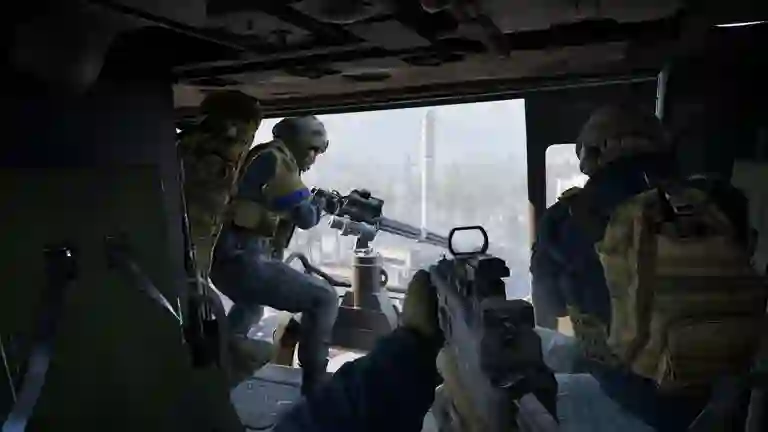
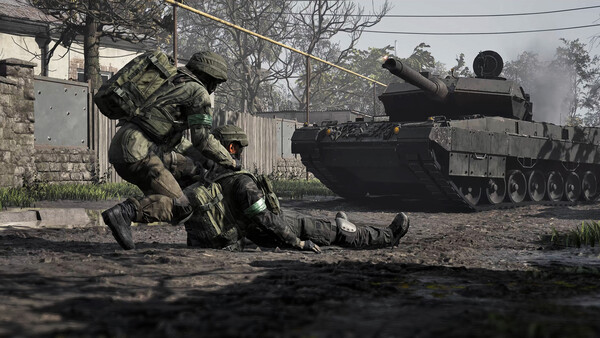
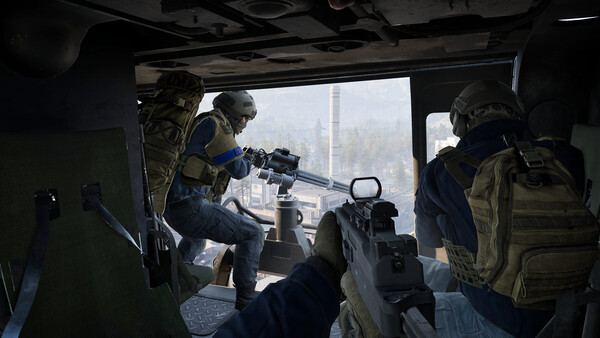
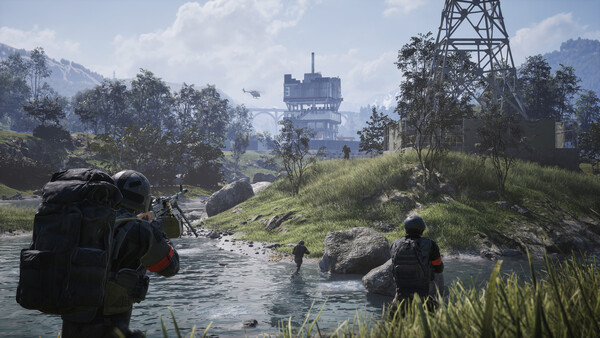
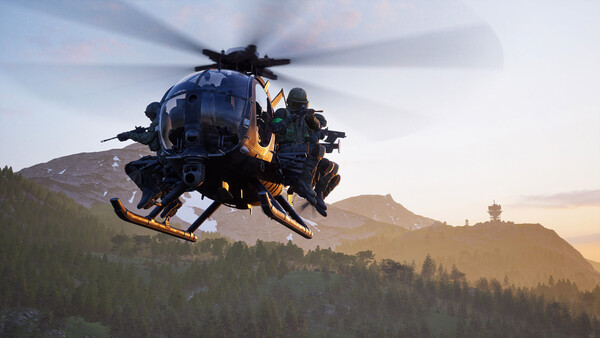
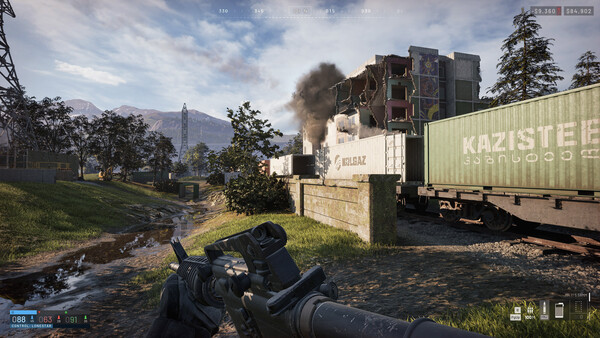
Official WARDOGS screenshot (Steam store). Stated by developer · 2026-09-15
Mouse & Helicopter Sensitivity
- Mouse sensitivity is preference — but helicopter pitch/roll starts around 60–65% per the community flight guides, adjusted in the Firing Range. Full setup in helicopter controls. Community report · 2026-09-15
- Turn in-game music down and keep comms legible: squad callouts are the cheapest radar in the game. Community report · 2026-09-15
If FPS Is Still Bad
Lower Global Illumination and Shadows first, then try upscaling — in that order. If the game crashes or stutters rather than just dipping frames, that is a different problem: work the error codes list, and check whether server status incidents are spiking. Hardware check against the official spec: system requirements.
Video: Settings Walkthrough
Video by its creator, embedded as community reference. Community report · 2026-09-15
Crosshair: The Adaptive Option
Settings menus offer an adaptive crosshair alongside the static one. A settings reviewer who tested both found the adaptive version sometimes despawns or drifts as you move the mouse and preferred the static crosshair for that reason — if your crosshair keeps "disappearing," check whether adaptive is on and switch to static. Community report · 2026-10-09
In This Section
Everything in Controls & Settings: the full controls table · helicopter controls · best settings for FPS & visibility · classes & roles.
All guide
Related pages